
Structured Mitigation Documentation — From Field Capture to Scope Review
RAiS helps restoration teams organize job details, rooms, visits, monitoring, equipment, and scope items, then review and export structured PDF and Excel documents.
A Workflow Built Around Mitigation Documentation
Structured steps help teams capture, review, and hand off job information consistently.
Capture Job Details
Walk through loss details, structure layout, and job notes in a guided workflow built for the field.
Record Visits, Readings & Equipment
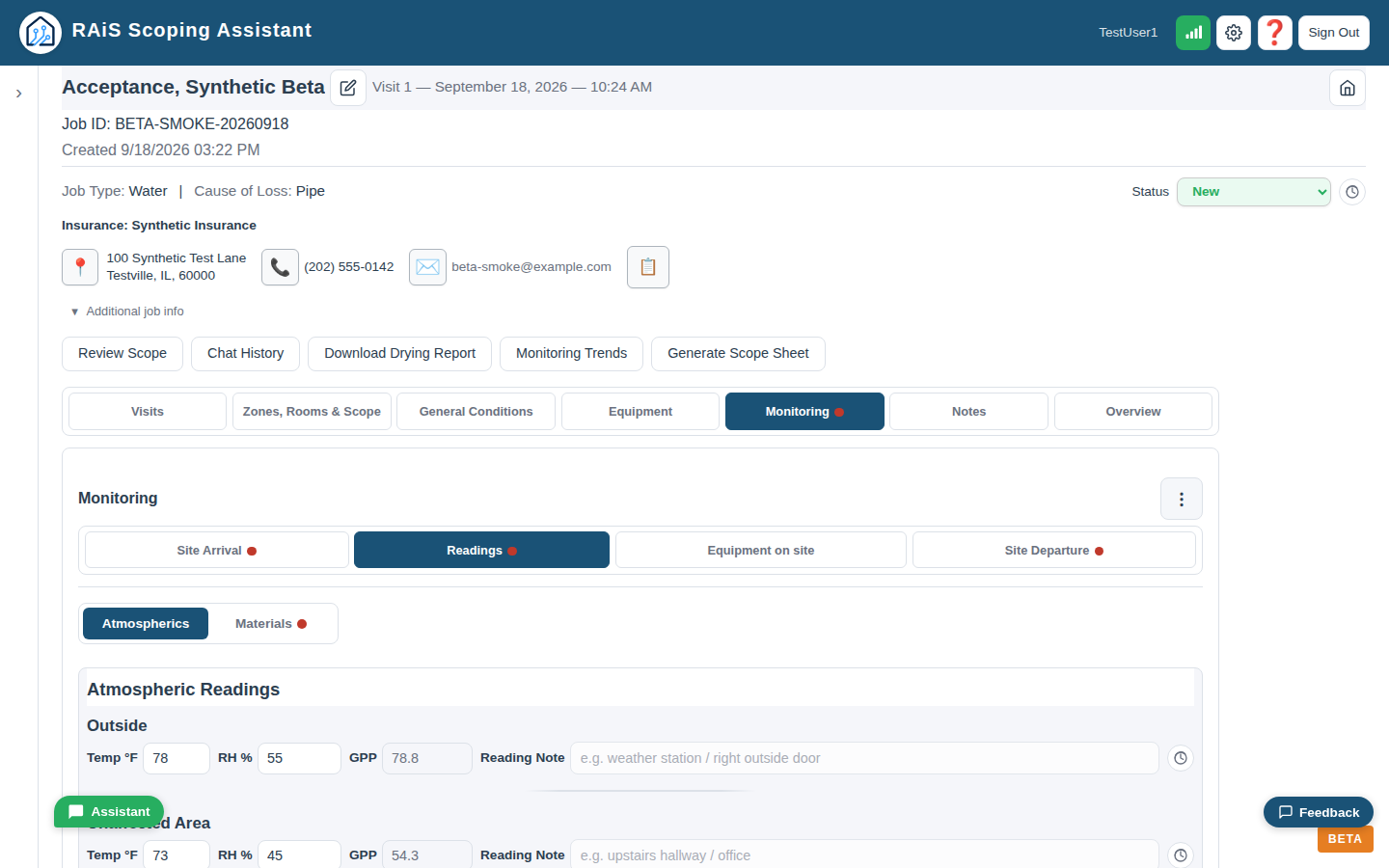
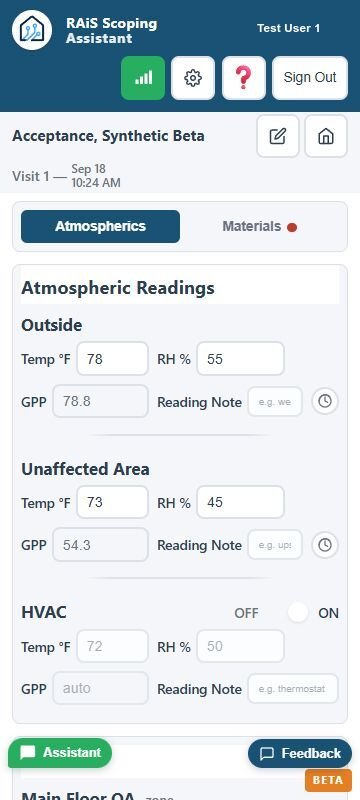
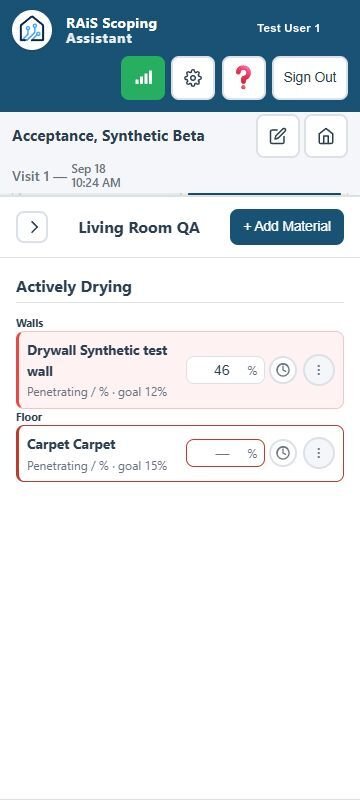
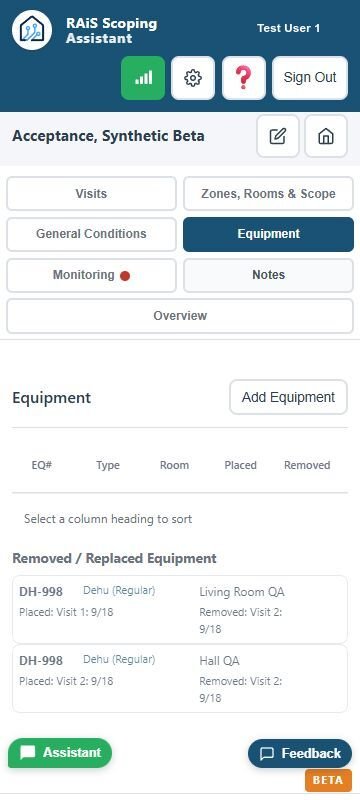
Record monitoring visits and readings, track equipment placement and movement, and preserve job history.
Review and Export
Review scope details and generate structured PDF and Excel documents for estimating handoff.
Why the RAiS Scoping Assistant Is Different
RAiS supports professional judgment with structured workflows, review prompts, and guarded Assistant actions. Your team remains responsible for final scope and estimating decisions.
Built for Restoration Workflows
Designed around real mitigation workflows—not generic automation. Every prompt, reminder, and structure reflects how restoration work actually happens.
Guidance Without Replacement
Ask RAiS explains workflows. The Job Assistant can perform supported in-job actions with required review and confirmation; normal app controls remain available.
Documentation Easier to Review
Consistent job records and organized scope documents help the field and office work from the same information.
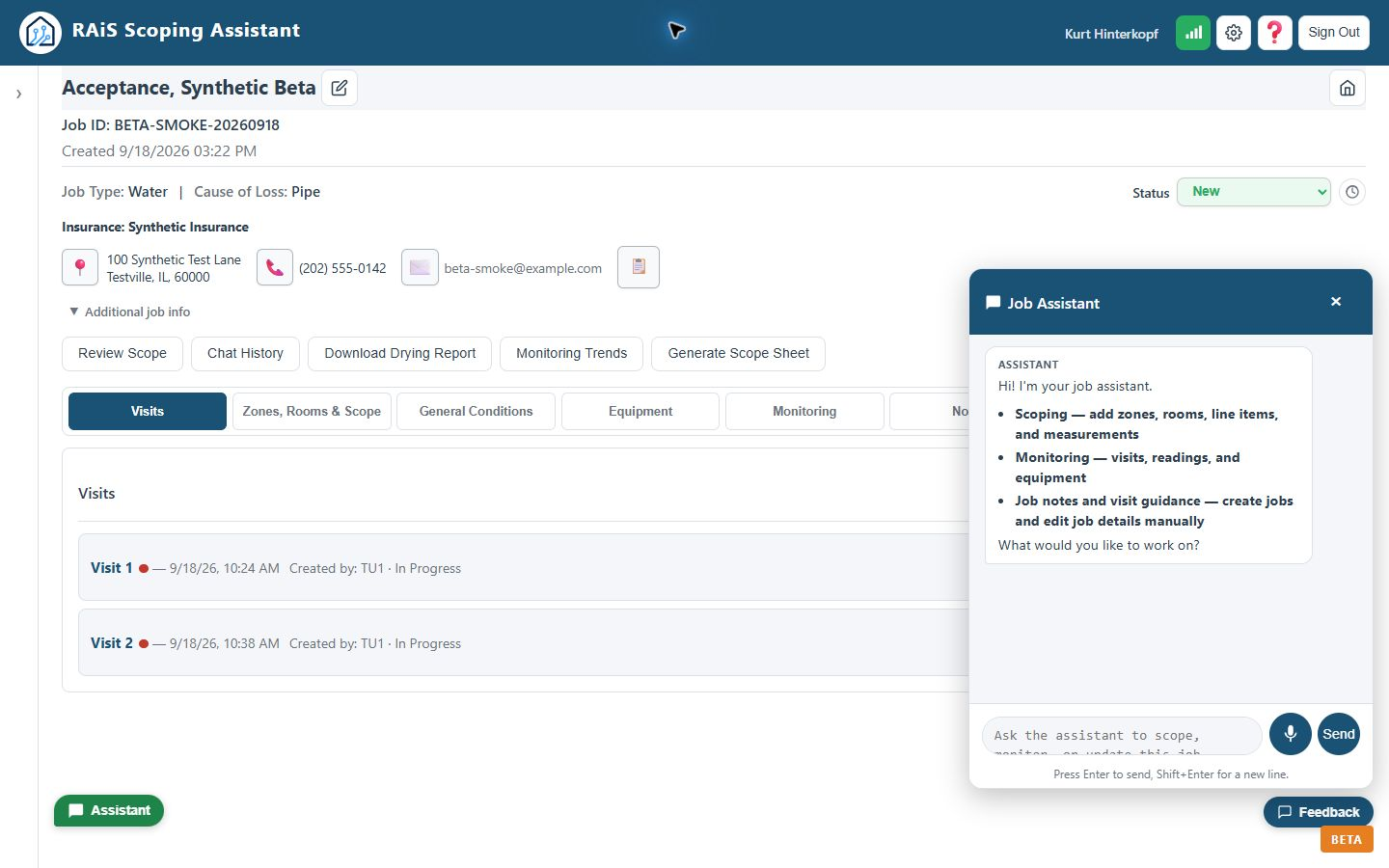
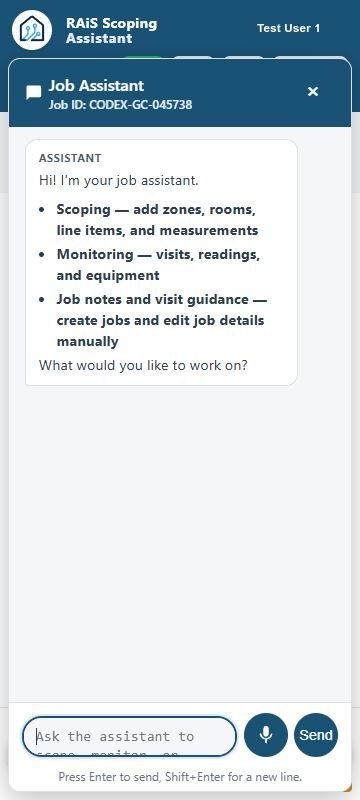
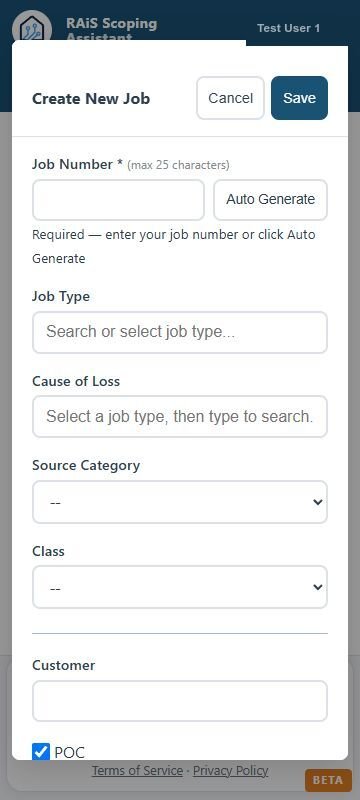
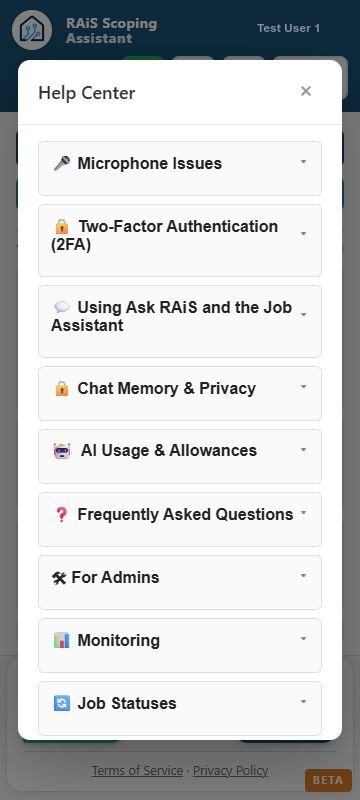
Fictional training data is shown. No customer information or estimating codes are displayed. Pre-release software may change.
What RAiS Helps You Do
Capture job details, monitor work, review scope, and prepare a structured handoff.
-
Capture the Full Job
Organize loss details, zones, rooms, visits, notes, and other job information.
-
Review Scope Details
Use guided review to surface possible omissions and follow-up questions before export.
-
Keep Documentation Consistent
Keep room and scope structure consistent across jobs and team members.
-
Make Scopes Easier to Review
Generate organized PDF and Excel documents for your team’s final review and estimating handoff.
The Assistant supports your judgment — it does not price the estimate.
Desktop and mobile
Monitoring That Travels With the Job
Record visits and readings in the field, then review the same structured job information from a larger screen.
Fictional training data is shown. No customer information or estimating codes are displayed. Pre-release software may change.
Frequently Asked Questions
What is the RAiS Scoping Assistant?
The RAiS Scoping Assistant helps restoration teams organize mitigation job details, monitoring, equipment, scope items, review, and document exports.
Who is RAiS designed for?
Technicians, estimators, project managers, contractors, and franchise owners who need structured and consistent job documentation.
How does the Assistant produce scope outputs?
RAiS combines structured job data, workflow rules, and user-reviewed scope items to produce consistent PDF and Excel scope documents. Users control final scope and estimating decisions.
Can I use it on a phone or tablet in the field?
Yes. RAiS is a responsive web app designed for phone, tablet, and desktop use. During beta, staying online is recommended; only specific workflows can queue while offline.
When can I get access?
Join the Early Access list now. Invitations will be released in small batches when beta testing begins.
What are the benefits of joining Early Access?
Early Access participants can use RAiS during beta and help shape its workflows, features, and usability through feedback submitted within the app. Every suggestion will be thoughtfully considered as the product develops, although individual feature requests cannot be guaranteed.
Active participants who test RAiS and submit qualifying in-app feedback are eligible for a lifetime discounted rate, subject to the Early Access terms. Feedback may remain private—permission to share a reviewed, redacted copy with other beta participants is optional and does not affect eligibility.
Learn more and join Early Access →
How does RAiS work with estimating software?
RAiS produces structured PDF and Excel scope documents for manual review and entry into estimating software. It does not calculate prices or replace final estimating review.
Does RAiS integrate directly with Xactimate?
No. Direct integration is not currently available. Future integration is a goal.
Can I build reconstruction or rebuild scopes in RAiS?
Yes. You can build room-by-room reconstruction scopes by adding reconstruction line items and completing job-specific quantities and calculations. The scope can then be reviewed and exported as PDF or Excel for final estimating review and manual entry.
Is RAiS available in Spanish?
Yes. Users can choose English or Spanish for the app interface.
Is my job data secure?
RAiS uses authenticated access and separates company records by account and permissions. Some Assistant and transcription features use external service providers. See the Privacy Policy for current data-handling details.
Can my team collaborate on jobs?
Authorized team members can contribute to the same job. Users should rely on visible save status and review changes after reconnecting or resuming offline work.
Looking ahead
Planned and Being Considered
The items below are planned or being considered and may change as RAiS evaluates beta feedback and reliability. No release dates are promised.
Photo Documentation
Structured photo capture tied to rooms and line items, so supporting evidence stays organized with the scope it belongs to.
Estimating-Software Scope Transfer
A future compatible estimating-file workflow is being considered. Current users can export PDF and Excel scope documents for manual review and handoff.
Company Room Templates
Create reusable company room templates with preset scope items, then apply them to a room and complete job-specific quantities, calculations, and adjustments.
Get Early Access
Early Access is free during the preview period. Beta invitations will be released in small batches when testing begins.
No credit card required