Get Early Access to the AI Scoping Assistant
Be among the first to streamline mitigation documentation with an AI-guided workflow built for accuracy, structure, and consistency — purpose-built for restoration professionals.
Get the early access below

Join the Early Access Waitlist
Be among the first to test the AI Scoping Assistant and help shape a tool built specifically for restoration professionals.
No credit card required. Early Access is free during the preview period.
Frequently Asked Questions
What is the AI Scoping Assistant?
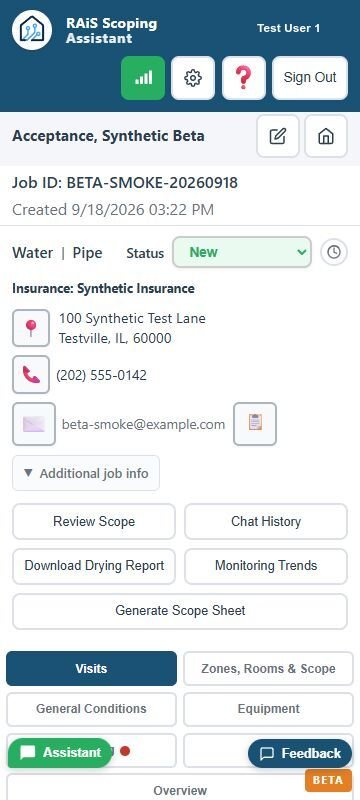
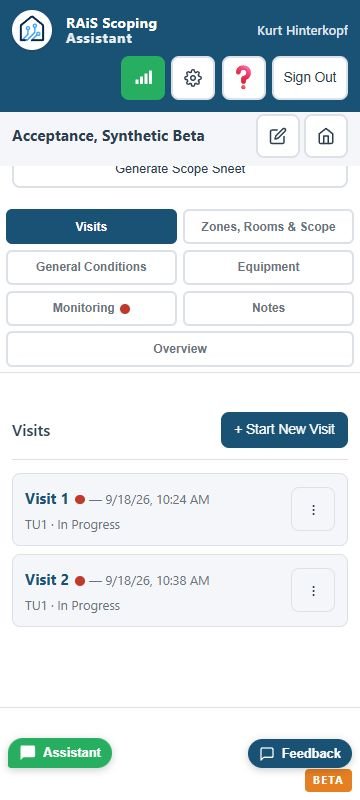
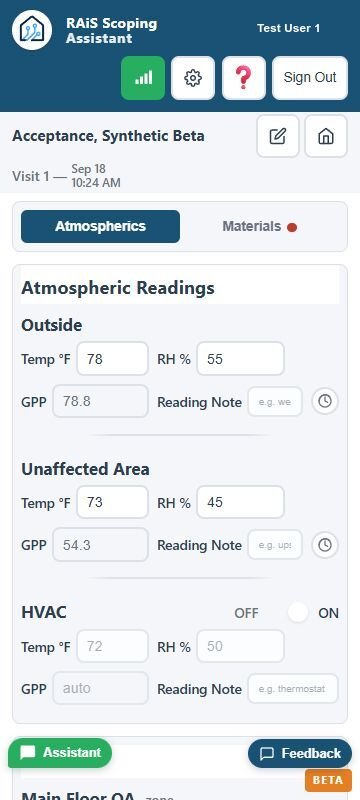
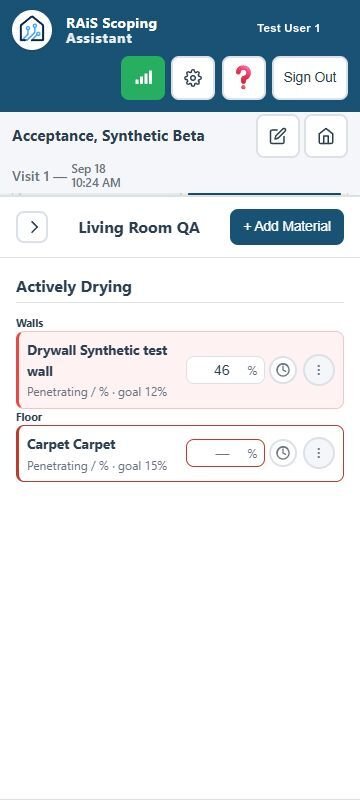
The AI Scoping Assistant helps restoration teams streamline documentation, reduce omissions, and produce clean, consistent mitigation scopes.
Is my job data secure?
Yes — all job data is encrypted at rest and in transit. No job data is ever sold, shared, or used to train AI models.
How accurate are the AI-generated scopes?
The Assistant uses structured logic and restoration workflow rules to produce reliable, repeatable scope outputs aligned with industry expectations.
Who is the tool designed for?
Technicians, estimators, project managers, contractors, franchise owners, and adjusters who need structured and consistent job documentation.
Does it work on mobile devices?
Yes — the tool is fully mobile-responsive and built for onsite field documentation.
Will this replace Xactimate?
No — the Assistant prepares structured job information that can be entered into estimating platforms. It enhances workflows but does not replace estimating software.
Will this integrate with Xactimate or other estimating platforms?
Direct integration with Xactimate is limited due to platform restrictions. However, we are actively developing a dedicated Xactimate Entry Assistant designed to streamline the entry of scope items directly into Xactimate from structured data.
In the meantime, the AI Scoping Assistant supports clean, structured outputs that make copy-and-paste workflows faster and more accurate. Additional integration capabilities will continue to evolve as tooling and platform access allow.
Can multiple team members use it?
Yes — teams that share the same business email domain (e.g., @company.com) will be able to collaborate, allowing one person to begin a job, another to update it, and another to review progress.